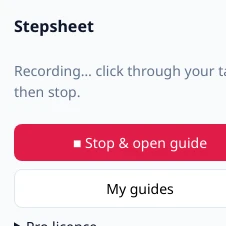
Press Start
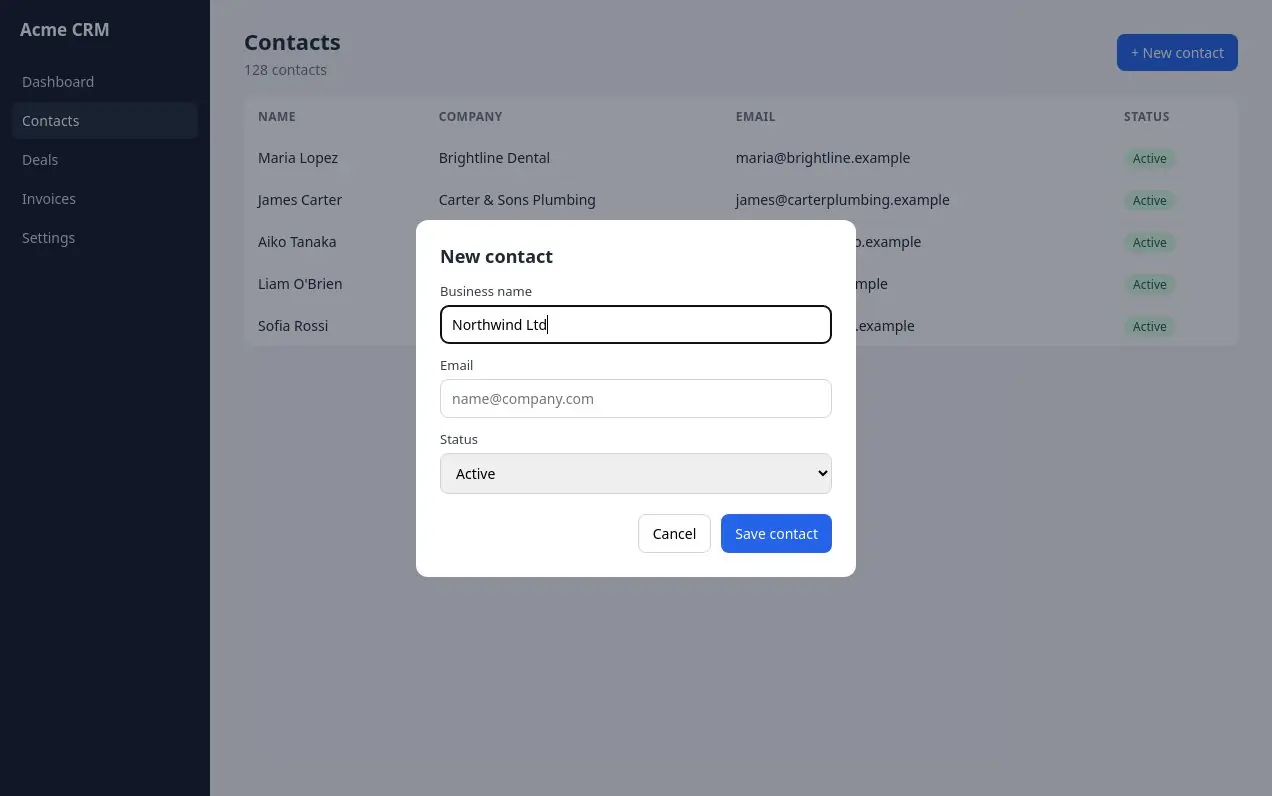
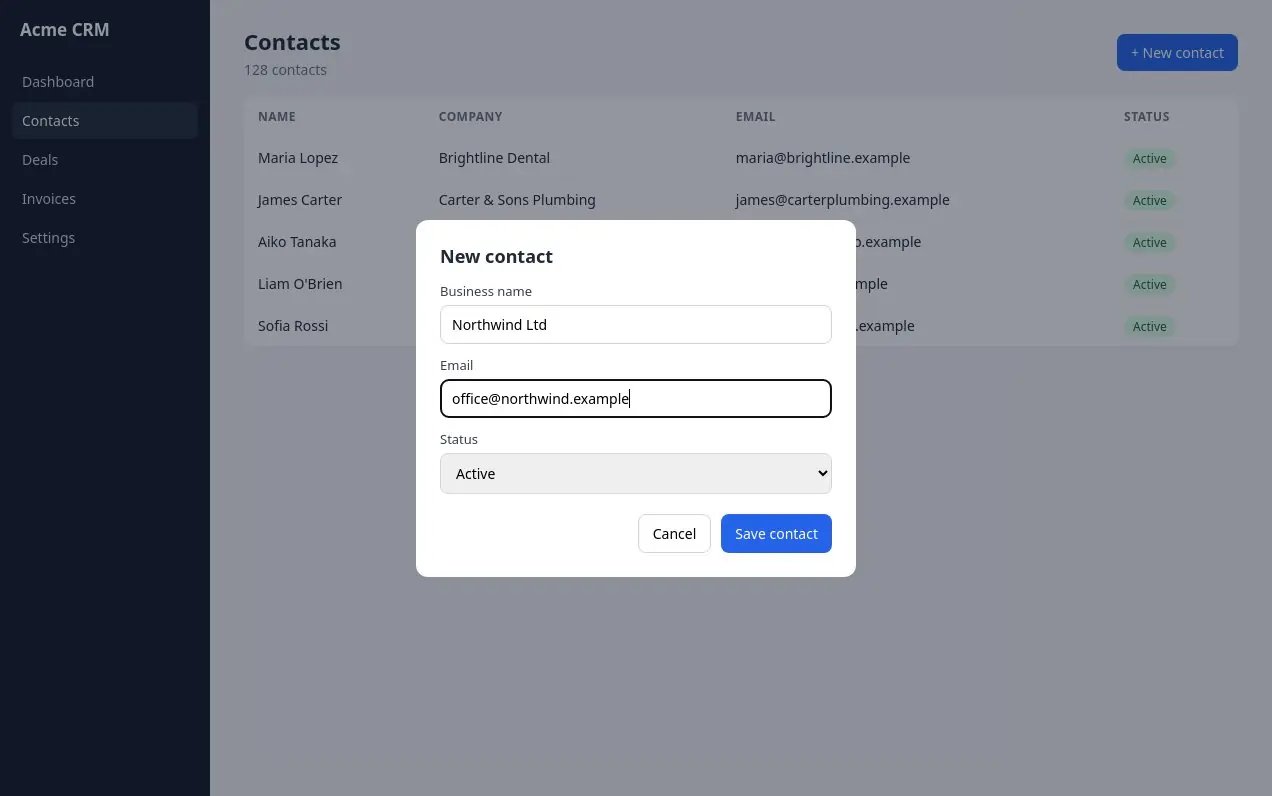
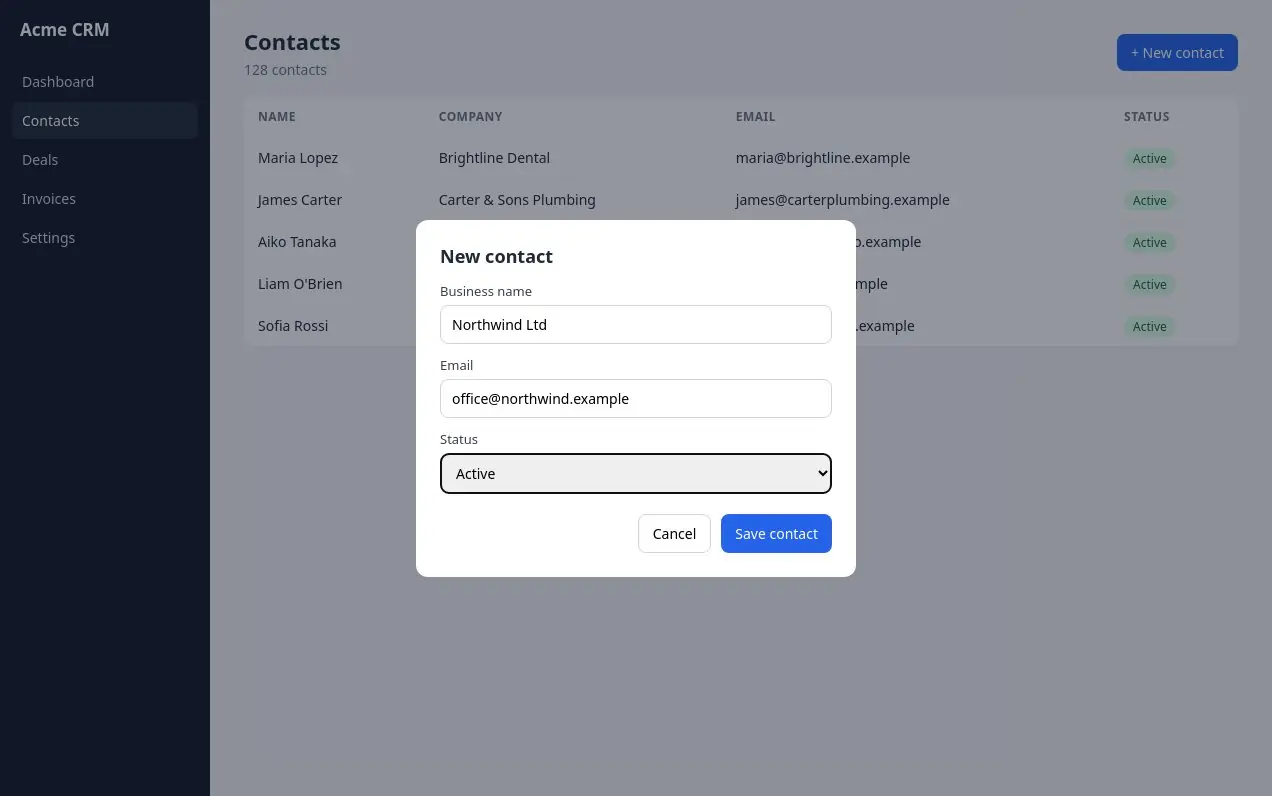
Open Stepsheet from the toolbar and start recording. Then do the task the way you always do.
Browser extension for Chrome & Edge
Click through any web app as usual. Every click becomes a numbered step with a highlighted screenshot. Add your logo and send it as a PDF, an HTML page or Markdown.
 REC 0
REC 0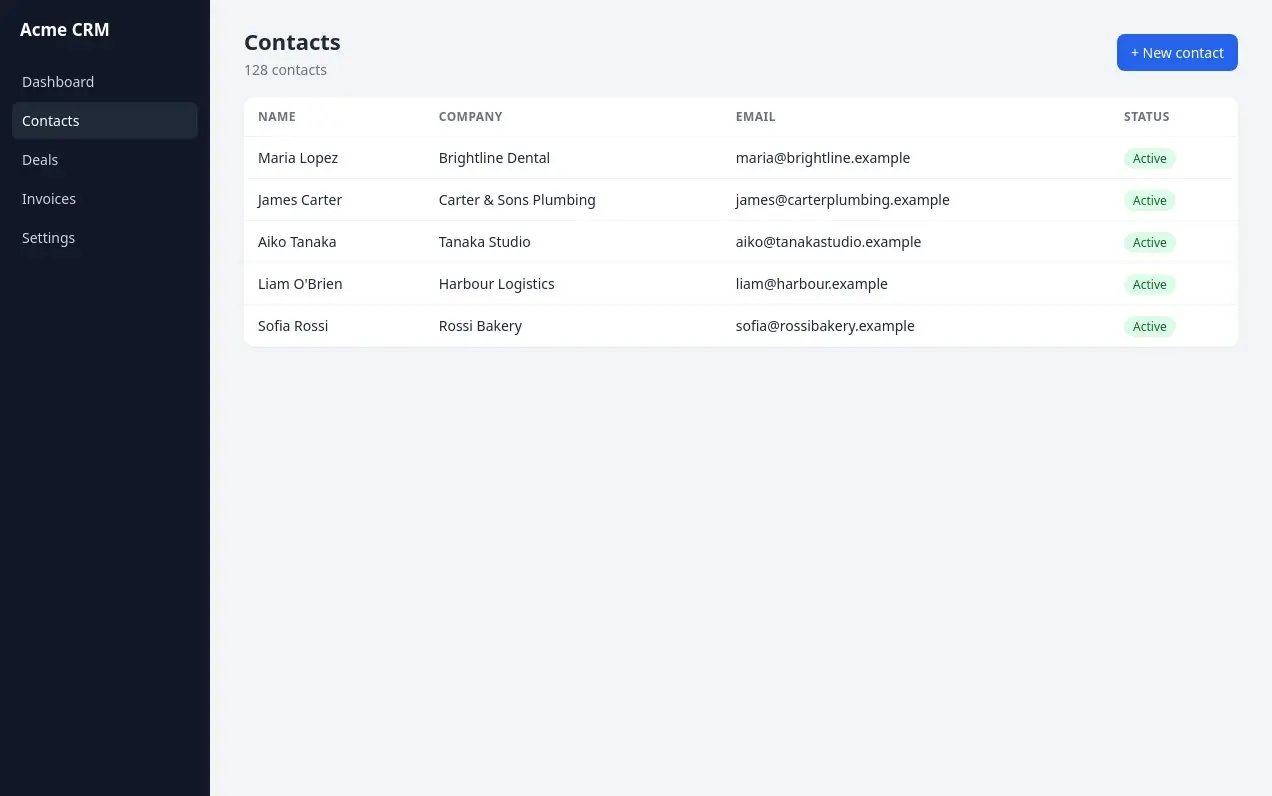
How it works
Open Stepsheet from the toolbar and start recording. Then do the task the way you always do.
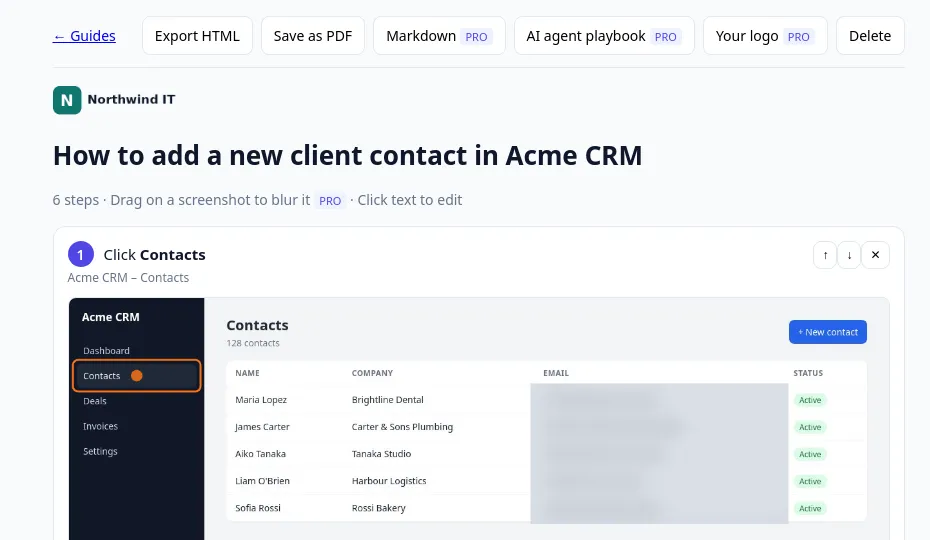
Each click is already a step with written instructions. Reword, reorder, delete, or blur anything private.
Export a PDF, a single HTML file or Markdown, with your client’s logo and colour.
Made for people who document for someone else: agencies & freelancers, IT support & MSPs, virtual assistants, bookkeepers, ops & onboarding teams.
Example
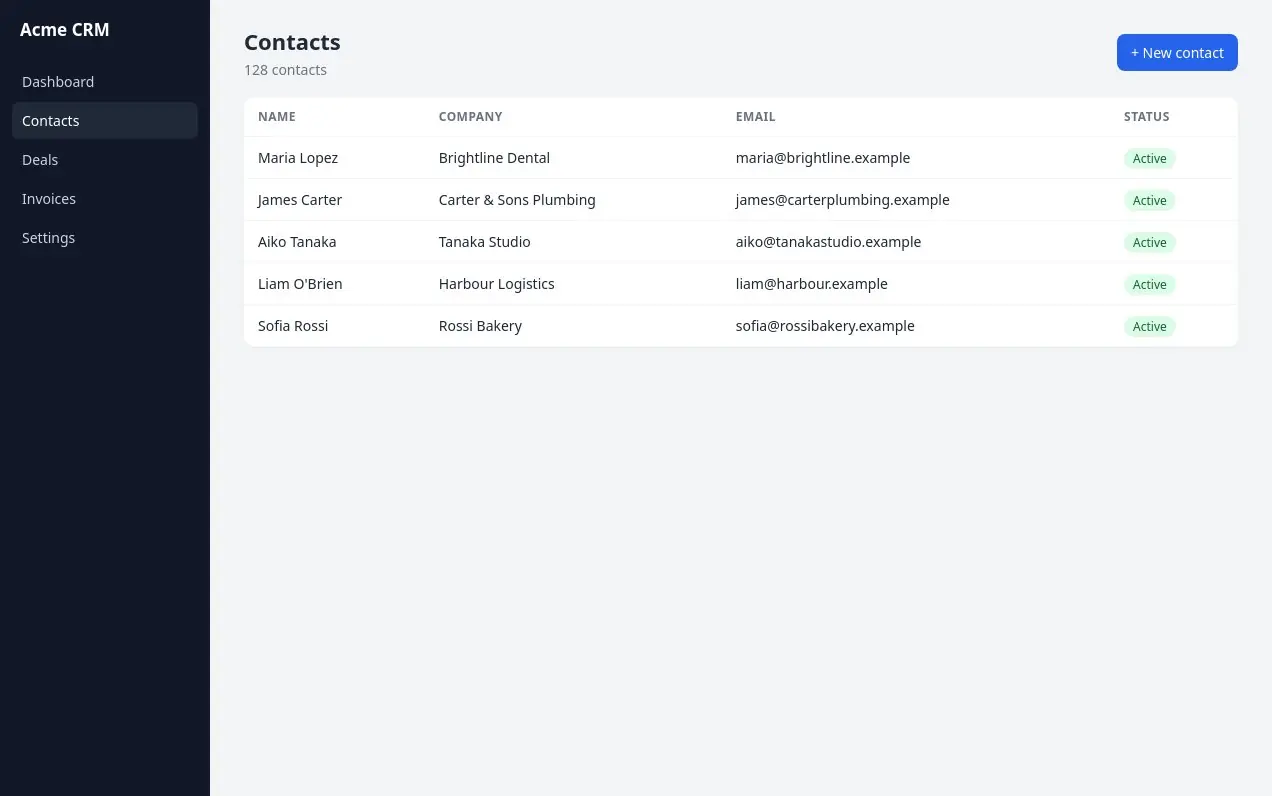
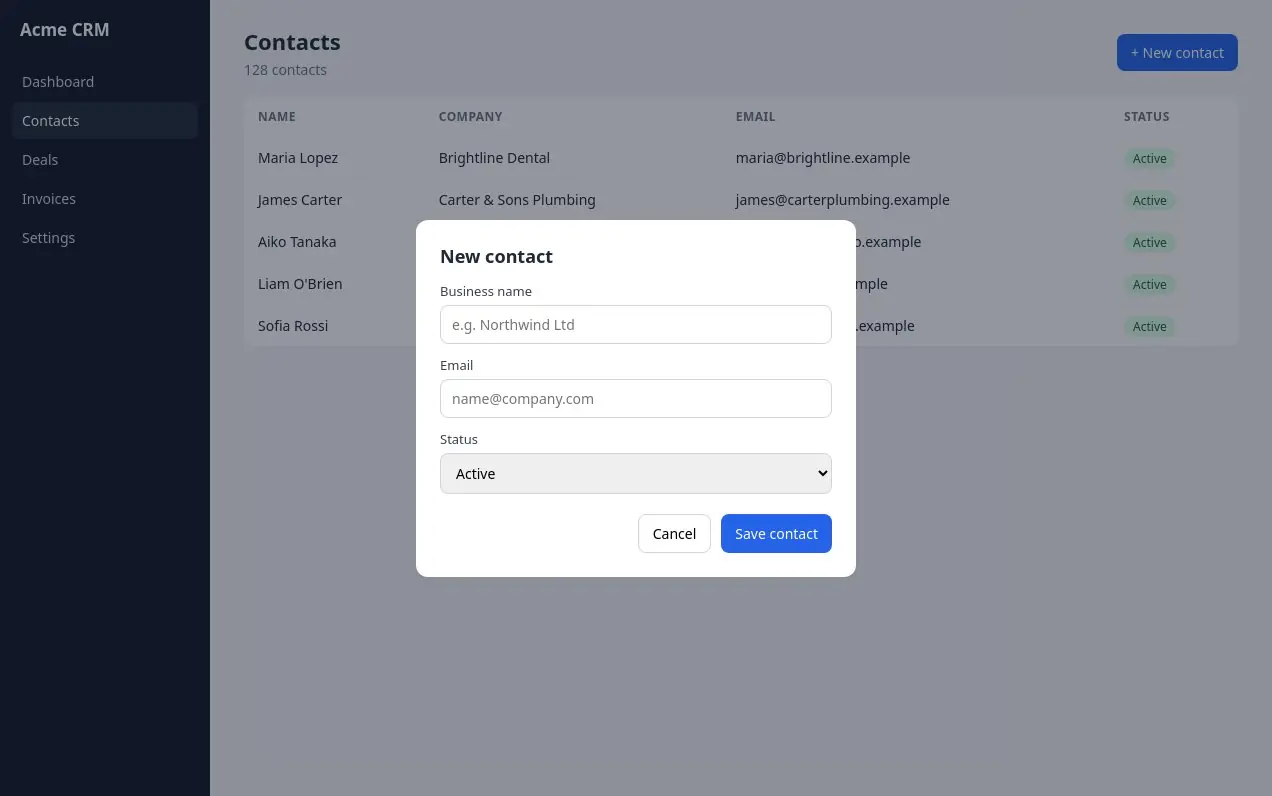
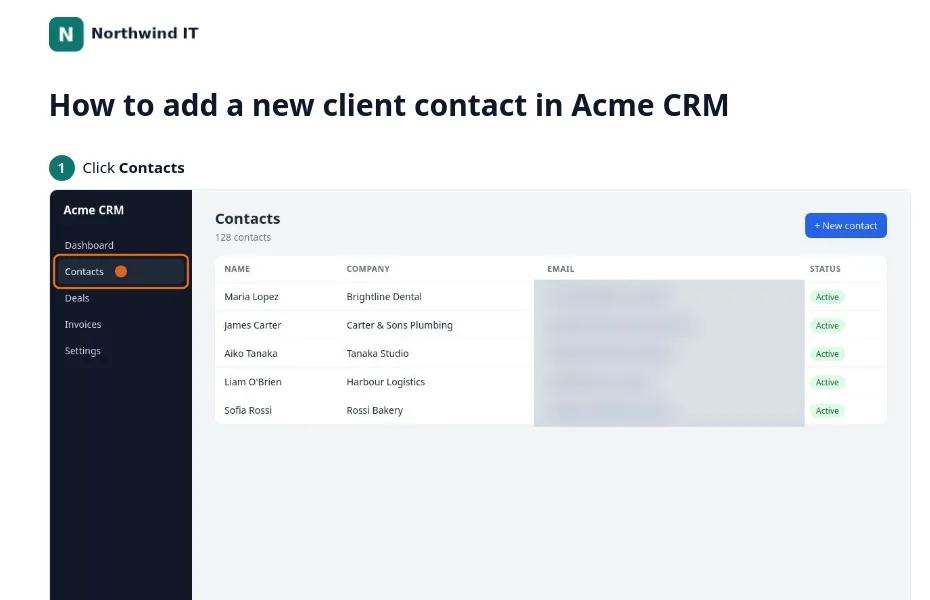
A real export from Stepsheet Pro. Six steps recorded in one pass on a demo CRM, with the client’s logo on top and the email column blurred.
Open the example guide ↗Pro also exports a playbook: each step with the page, the visible label and a CSS selector, so an agent or a browser script can repeat the task.
## Step 2
- Action: Click "+ New contact"
- Page: app.acme-crm.example/contacts
- Selector: `#new`

## Step 3
- Action: Click the "Business name" field
- Selector: `#bn`Compare
| Stepsheet Pro | Tango Pro | Scribe Pro Personal | |
|---|---|---|---|
| Billed monthly | $8/mo | $30/mo | $35/mo |
| Billed yearly | $69/yr | $264/yr | $300/yr |
| PDF & HTML export on the free plan | – | – | |
| Your logo on guides | |||
| Use without an account | – | – | |
| Desktop app capture | – |
Prices for one creator as listed on tango.ai/pricing and scribe.com/pricing, as of 25 October 2026.
Pricing
Everything you need to make and share guides.
or $69 a year (save 28%). Per creator.
Your licence key appears right after checkout. Cancel any time in the billing portal.
FAQ
Record it, tidy it, send it. Free to start.